6 Practical Examples Of AI In Everyday Life You Use Today
You probably used artificial intelligence before you finished your morning coffee. Whether it was checking the weather, unlocking your phone with your face, or asking a voice assistant to play music,...
You probably used artificial intelligence before you finished your morning coffee. Whether it was checking the weather, unlocking your phone with your face, or asking a voice assistant to play music, AI in everyday life is already deeply embedded in how you move through the world. Most of it just doesn't feel like "AI" because it works so seamlessly you barely notice.
That's the thing about practical AI, it doesn't announce itself. It filters your spam, suggests your next turn, and adjusts your thermostat without waiting to be asked. The technology has quietly shifted from experimental novelty to something you rely on daily, often dozens of times before lunch.
At SAM, we build AI that goes further than utility. Our platform creates AI companion experiences with persistent memory and emotionally responsive conversation, the kind of interaction that evolves the more you engage with it. But that relationship between people and AI starts with the everyday examples most of us already take for granted. Here are six of them you're likely using right now.
1. SAM AI companion with long-term memory
Most AI tools forget you the moment the conversation ends. SAM is built differently. It's an AI companion platform designed around persistent memory and emotionally aware conversation, so every interaction builds on the ones before it. This is one of the more personal examples of ai in everyday life you can actually use right now.
What it does in daily life
SAM tracks the details of your conversations over time. If you mention you've been stressed about a work project on Monday, SAM remembers that context when you check in later in the week. It functions less like a search tool and more like a consistent conversational presence that adapts to who you are and how you communicate.
The more you interact with SAM, the more the conversation reflects your actual history, not a generic script.
How it works in plain English
Under the hood, persistent memory architecture stores and retrieves context from your previous conversations. The system identifies details worth keeping from each session.
When you start a new session, SAM pulls in relevant details from your history to make the response feel continuous and personal, rather than starting from scratch each time.
How to get better results fast
Be specific when you talk to SAM. Sharing context upfront, like your current mood, what you're working on, or what you want from the conversation, helps the system respond with more relevance.
- Start each session with a brief context update
- Reference past conversations when they're relevant
- Be direct about the kind of response you're looking for
The more honest and detailed you are, the faster SAM builds a picture of what you actually need from the conversation.
Privacy and safety notes
SAM includes built-in age verification and safety systems to make sure the platform is used responsibly. Your conversational data is handled to support the memory features that make SAM useful.
The platform is built with responsible AI design principles at its core. If you have specific questions about data handling, SAM's support system is available directly through the platform.
2. Face ID and biometric phone unlock
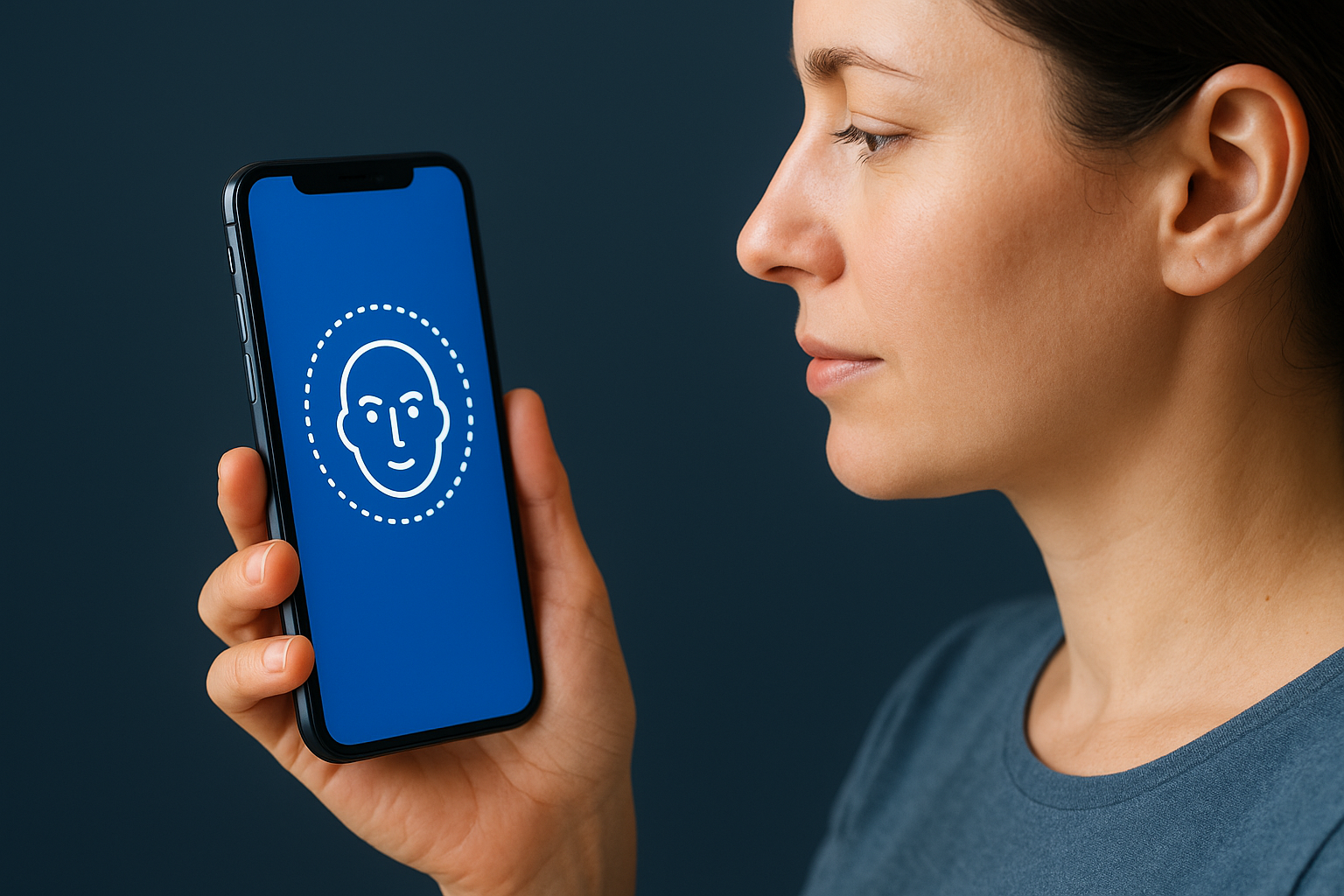
Unlocking your phone is something you do dozens of times a day without thinking about it. Face ID and fingerprint recognition are among the most common examples of ai in everyday life, running silently in the background every time you pick up your device.
What it does in daily life
Your phone uses biometric AI to verify your identity in under a second. Instead of typing a PIN, you glance at the screen or press your finger to the sensor, and you're in. The same technology also authorizes payments, app logins, and secure data access without you entering a password each time.
How it works in plain English
The AI maps unique physical features, like the geometry of your face or the ridges of your fingerprint, and stores an encrypted version of that data on your device. Each time you authenticate, the system compares the live scan against that stored model to confirm a match.
The actual biometric data never leaves your device. It stays on the secure chip, not in the cloud.
How to get better results fast
- Re-register your face or fingerprint after significant physical changes, like a new hairstyle or a cut on your finger
- Add an alternate appearance in your settings if your look changes seasonally
Privacy and safety notes
Your biometric data is stored locally on the device's secure enclave, which means it's isolated from the operating system and external servers. Major platforms like Apple and Google publish detailed documentation on how this data is protected.
3. Maps, navigation, and traffic prediction
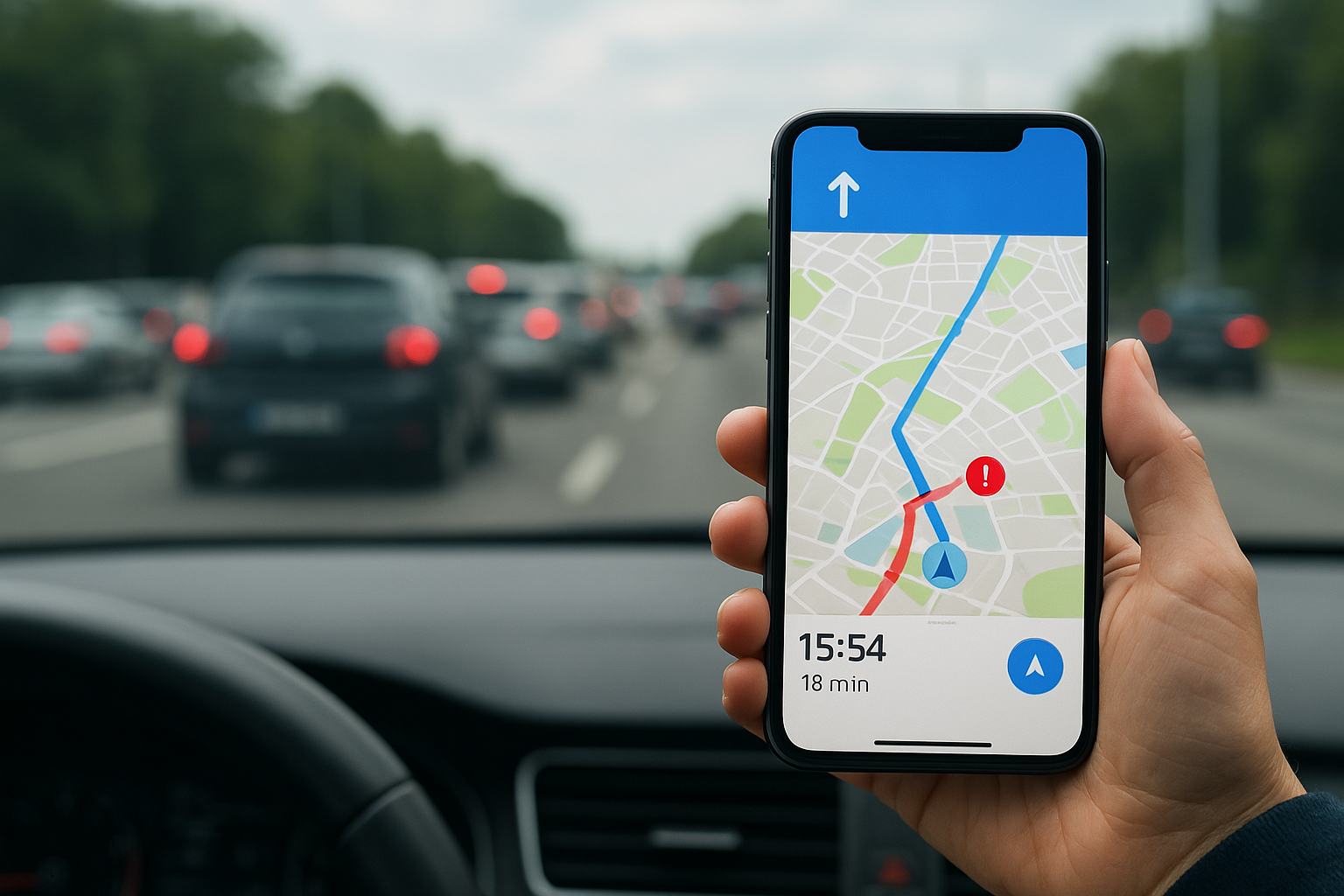
Every time Google Maps reroutes you around a slowdown before you even reach it, you're watching ai in everyday life do exactly what it's built for. Navigation apps have moved well beyond static directions. They predict traffic, adjust routes in real time, and learn from millions of drivers simultaneously.
What it does in daily life
Navigation AI estimates your arrival time before you leave, factors in live traffic conditions, and suggests faster alternatives mid-route. It also builds predictions around your habits.
- Warns you about accidents and road closures ahead of your position
- Suggests the best departure window based on expected congestion
How it works in plain English
The system processes real-time location data from millions of active devices to build a live picture of road conditions. It layers that data with historical traffic patterns for specific roads and times of day to anticipate congestion before it peaks.
The more people use these apps, the sharper the predictions become for everyone on the same roads.
How to get better results fast
Turn on location history so the app learns your regular routes and commute timing. Also use the "leave by" or "arrive by" planner to find the optimal departure window for your trip.
Privacy and safety notes
Google Maps lets you manage location sharing settings directly inside your Google account. Your location history can be paused or deleted at any time, and the platform publishes clear documentation on how that data is handled.
4. Personalized recommendations in shopping and streaming
Recommendation engines are one of the most visible examples of ai in everyday life. Every time Netflix surfaces a show you end up watching, or Amazon places a product in front of you that you actually need, a recommendation algorithm made that happen based on your behavior.
What it does in daily life
These systems shape what you see before you even start searching. Streaming platforms predict what you'll watch next based on your viewing history, and shopping platforms surface products that match your past purchases and browsing patterns, cutting the time you spend looking for things yourself.
The longer you use these platforms, the more accurate the recommendations become because the model has more of your behavior to learn from.
How it works in plain English
The AI analyzes your interaction history, including what you clicked, how long you watched, what you bought, and what you skipped. It then finds patterns in your behavior and matches them against users with similar profiles to predict what you'll engage with next.
How to get better results fast
- Rate content on platforms like Netflix to give the algorithm direct feedback
- Use lists or wish lists on Amazon to signal stronger purchase intent
Privacy and safety notes
Both shopping and streaming platforms let you review and clear your activity history through your account settings, which directly influences what the recommendation engine shows you going forward.
5. Email spam filters and writing assistance
Your inbox would be unmanageable without AI. Spam filters and AI writing assistants are two of the most practical examples of ai in everyday life that run silently on your behalf every single day, often handling more work than you realize.
What it does in daily life
Spam filters catch phishing attempts, malicious links, and junk mail before any of it reaches you. AI writing tools built into platforms like Gmail suggest sentence completions, propose quick replies, and flag tone problems as you type.
Most people never realize how much filtering and sorting work AI handles invisibly inside their inbox every single day.
How it works in plain English
The AI scans incoming messages for patterns linked to spam, including sender reputation, suspicious links, and unusual language. Writing assistants analyze your message history and current context to predict what you want to say and surface completions that match your tone.
These two systems run on similar logic: pattern recognition trained on massive datasets that improve the more you use them.
How to get better results fast
- Manually mark emails as spam or "not spam" to train your filter faster
- Turn on Smart Compose or equivalent features inside Gmail or Microsoft Outlook
- Adjust filter sensitivity settings directly in your email preferences
Privacy and safety notes
Email content is processed to power both spam filtering and writing suggestions. Both Gmail and Microsoft Outlook let you review and adjust data usage preferences inside your account settings at any time.
6. Bank fraud detection and security monitoring
Bank fraud detection is one of the quietest examples of ai in everyday life working in your favor. Your bank's AI runs continuously in the background, watching every transaction you make and flagging anything that doesn't match your normal behavior.
What it does in daily life
The system monitors your spending in real time. If someone tries to use your card in a city you've never visited while you're sitting at home, the AI flags that transaction before it clears and often freezes the card automatically. Most people only notice this when they get a fraud alert text or email within seconds of a suspicious charge.
The AI catches patterns you would never notice yourself because it processes thousands of data points on every single transaction.
How it works in plain English
Your bank's AI builds a behavioral model of your typical spending, including where you shop, how much you usually spend, and what time of day you make purchases. Each new transaction gets scored against that model, and anything outside your normal range triggers an alert or a hold.
How to get better results fast
- Notify your bank before traveling so the system doesn't flag legitimate purchases as suspicious
- Enable real-time transaction alerts inside your bank's app so you catch issues immediately
Privacy and safety notes
Your transaction data is processed to power fraud detection. Major banks like Chase and Bank of America publish privacy policies that explain exactly how that data is used and stored.
A quick recap
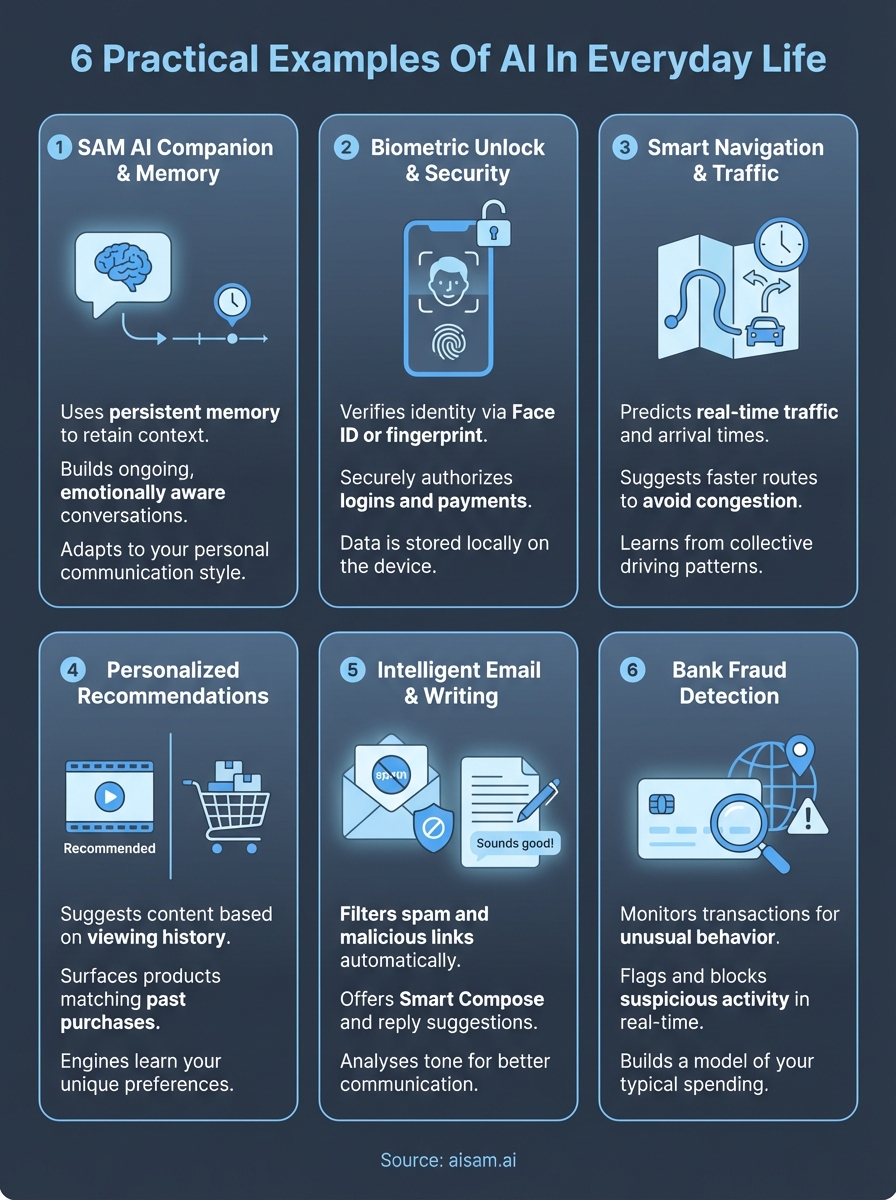
AI in everyday life shows up in more places than most people realize, and the six examples above cover just the most common ones. Your phone recognizes your face, your maps predict traffic, your inbox blocks threats, your bank watches for fraud, and your streaming and shopping platforms learn your preferences over time. These systems run quietly, handle complexity at scale, and improve the longer you use them.
SAM takes that same foundation and builds something more personal around it. Instead of automating a task, SAM creates a conversational presence that remembers who you are, adapts to how you communicate, and grows with you over time. That's a different kind of AI, one built around connection rather than function.
If you're curious about what a memory-driven AI companion actually feels like in practice, explore SAM and see how it works. The experience speaks for itself once you start a real conversation.